Breville Barista Express Problems and Repairs: What to Check Before You Call
Most Barista Express problems trace back to a short list in Breville's own troubleshooting table: a tank that isn't locked in, a descale that's due, a grind or dose that chokes the shot, or a worn seal around the shower screen. Work through those first. Call Breville if the machine still stops after cooling down, or if the fault keeps coming back.
Disclosure: This page contains affiliate links (marked with *). If you buy through them, we earn a small commission at no extra cost to you. As an Amazon Associate I earn from qualifying purchases. Learn more
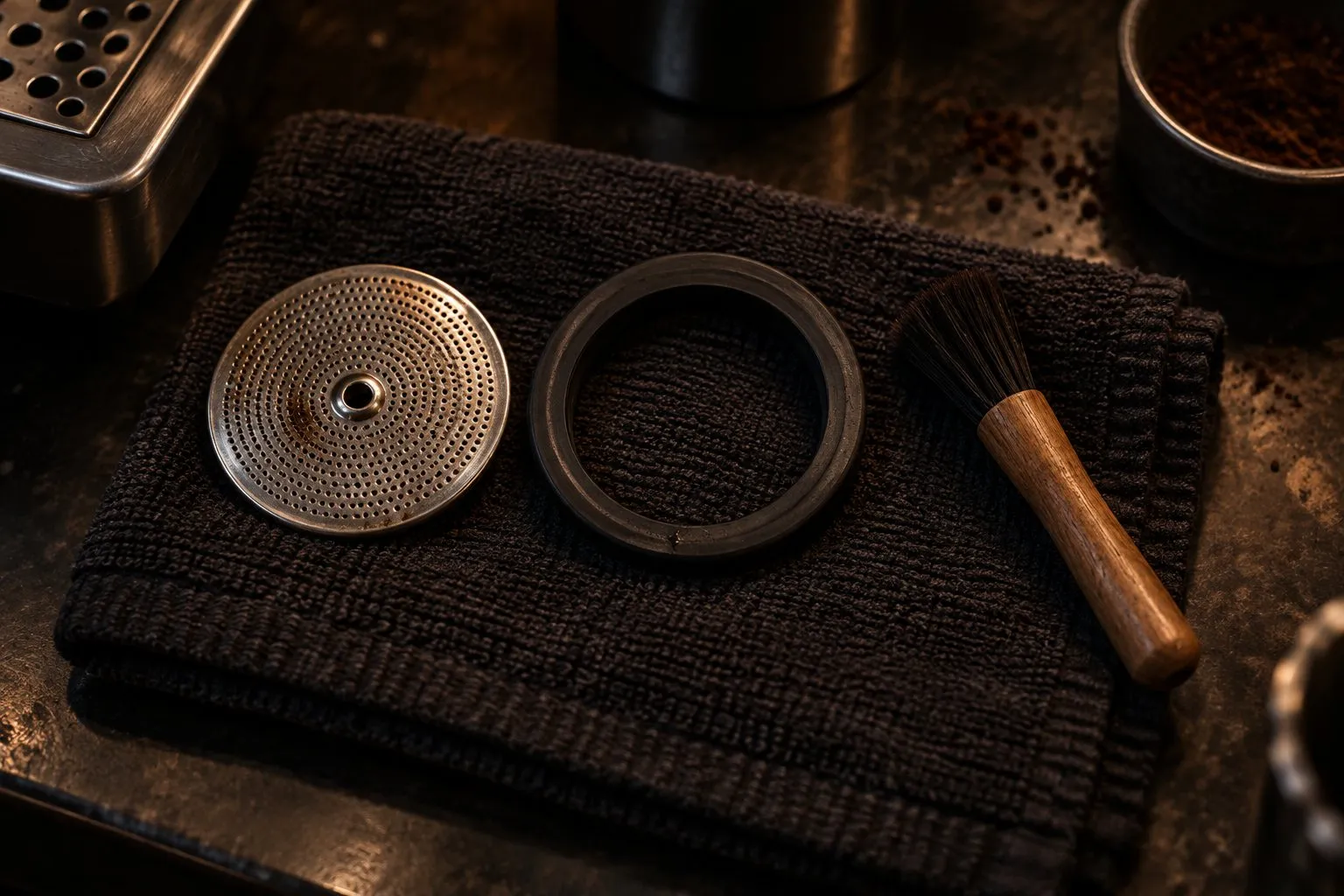
Start with the tank: is it full and pushed down until it locks? Then read the CLEAN/DESCALE light, which flashes for a cleaning cycle and stays on for descaling. Dripping shots usually mean too fine or too much coffee. Leaks point to grounds on the basket rim or a worn seal. A machine that stops needs a cool-down, then Breville Consumer Support.
On this page
Everything here comes from the troubleshooting table and care section of the US and Canada instruction book for the Breville Barista Express. We don't repair machines.
Find your symptom
| What you see | What Breville's table points to | Try this first |
|---|---|---|
| No water from the group head, or no hot water | Still heating, tank empty or not locked, descale due | Wait for the lights, fill the tank, push it down until it locks |
| Espresso only drips | Grind too fine, too much coffee, tamped too firmly, blocked basket | Go slightly coarser, then lower the dose and trim it |
| Espresso runs too fast | Grind too coarse, too little coffee, tamped too lightly, descale due | Go slightly finer, then raise the dose |
| Espresso runs out around the portafilter | Portafilter not fully in, grounds on the basket rim, too much coffee, worn seal | Wipe the rim and rotate until you feel resistance |
| No steam | Still heating, tank problem, descale due, blocked wand, dial not fully on STEAM | Wait for the STEAM/HOT WATER light to stop flashing |
| Coffee not hot enough | Cold cups or portafilter, descale due, temperature setting too low | Warm the cups and rinse the portafilter under hot water |
| Water leaking | Tank not locked, drip tray full or loose, worn seal | Reseat the tank, empty and push in the tray |
| Machine is on but stops working | Tank problem, or the thermal cut-out after the pump or grinder overheated | Off, unplug, cool for about 30 to 60 minutes |
| No grounds, or FILTER SIZE lights flashing | No beans, blocked chamber or chute, moisture, hopper not locked | Check the hopper, then clean the chute |
| Grinder makes a loud noise | Blockage or foreign object | Remove the hopper and look for debris |
If the shot itself is the problem, change one thing at a time and keep your dose fixed. Dialing in espresso covers the order, and how to tamp covers the firm or light tamping in Breville's table.
Three things that aren't faults
- A pulsing, pumping sound while you pull a shot or steam. Breville calls that normal operation of the pump.
- A drip tray that fills fast. The machine purges water into the tray right after espresso, hot water and steam.
- Water from the wand while it heats. Condensed water may purge from the wand, which Breville calls normal.
Thin crema is on Breville's list as well, tied to grind, tamp and bean freshness. Crema shows CO2, so freshness and roast. It says little about flavor. So taste first, and read what crema tells you.
Read the CLEAN/DESCALE light
- Flashing means a cleaning cycle. With the 1 CUP basket, the cleaning disc and one tablet in place, hold the 1 CUP, 2 CUP and POWER buttons for about 10 seconds with the machine off. The cycle runs about 5 minutes. If the tablet hasn't dissolved, repeat. Our cleaning guide has other makers' routines.
- Solid means descale. Mineral build-up can reduce flow, temperature, power and taste, according to Breville. Follow how to descale a Breville.
Breville's book says to replace the water filter every two months, sooner with hard water, and to take it out if you use filtered or bottled water.
Grinder trouble
Clean first, then take it apart
Breville's regular cleaning removes oil build-up: empty the hopper, run the grinder empty, lift out the top burr, then brush both burrs and the chute. If grounds won't come through at all, the book has a separate advanced cleaning for a blockage between the burrs and the outlet.
Advanced cleaning means disassembly, so keep the book's pictures open:
Set up
Switch off and unplug. Remove the hopper and set GRIND SIZE to 1, the finest.Loosen the nut
Use a 10 mm socket. Breville has you turn it clockwise to loosen.Take out the burrs
Set GRIND SIZE to 16, remove the top burr, take off the nut and both washers, and carefully lift out the lower burr. Long-nose pliers lift out the grind fan and its washers.Clear and rebuild
Unblock the exit chute with the brush or a pipe cleaner, then reassemble in reverse. Finish on GRIND SIZE 5, with the hopper locked.
If grounds come through but the amount is off, adjust the grind amount, then reset or reprogram the shot volumes.
Blocked wand and worn seal
With the dial on STANDBY, switch off and let the machine cool, then use the pin on the cleaning tool. If it stays blocked, take the tip off with the spanner in the same tool, soak it in hot water and clear the holes.
The silicone seal around the shower screen wears over time, and it's listed for both edge leaks and general leaking. The gasket and shower screen page has Breville's steps.
When to stop and call Breville
The book sends you to Consumer Support when the machine still stops after cooling. Opening the housing isn't covered in the book, so leave that to Breville or a qualified technician.
Breville's warranty page asks for the model number, the batch or serial code and your receipt, and it says not to return the machine to the store. You reach support through Breville's support page or at 1-866-273-8455. Claims typically take up to 10 business days plus shipping, according to that page.
Repair, work around, or replace?
We have no repair cost or lifetime data. If only the grinder has failed, a separate grinder is a real option, because you can dose the basket by hand.
Breville Smart Grinder Pro
A programmable conical burr grinder with 60 settings and cradles for 50 to 54 mm and 58 mm portafilters.
Why here: If the built-in grinder gives out and the rest of the machine still works: 60 settings, and a cradle for the Barista Express's 54 mm portafilter.
Best for: A first separate grinder, especially beside a Bambino
- 60 grind settings (Breville)
- Grind time in 0.2 second steps (Breville)
- Portafilter cradles for 50 to 54 mm and for 58 mm (Breville)
- Breville's page does not state the burr size
- A hopper grinder, not built for single dosing
- Type
- Electric, hopper
- Burrs
- Stainless steel conical
- Grind settings
- 60
- Fits
- 50–54 mm and 58 mm cradles
- Price class
- Mid-range
If the whole machine has to go, start with machines with a built-in grinder.
Asked at the bar
Why is my Barista Express not pumping water?
Breville's table lists four causes. The machine may not be at temperature yet, so wait until the POWER light stops flashing and the button lights come on. The tank may be empty or not locked, so fill it and push it down fully. The machine may need descaling. Or the coffee may be too fine or too much, which holds the water back.
Why did my Barista Express stop working in the middle of use?
The safety thermal cut-out may have activated because the pump or grinder overheated. Breville's fix is to press POWER, unplug the machine and let it cool for about 30 to 60 minutes. Check the tank too, since an empty or unseated tank is on the same list. If the problem persists, Breville says to call Consumer Support.
Why is the Barista Express grinder not grinding?
Check for beans first, then a hopper that isn't locked. After that, Breville points to a blocked grinder chamber or chute, or moisture in them. Its advanced cleaning covers a blockage between the burrs and the outlet. Dry the burrs fully before you reassemble, and take care, because Breville warns they are extremely sharp.
What does the flashing light on the Barista Express mean?
The CLEAN/DESCALE light flashes when a cleaning cycle is due. That's a back-flush with the 1 CUP basket, the cleaning disc and one tablet, and it runs for about 5 minutes. When the same light stays on, the machine is asking for a descale instead. Those are two separate jobs.
How do I get a Barista Express repaired?
Contact Breville Consumer Support through its support page or at 1-866-273-8455, with your model number, serial or batch code and receipt. Breville's warranty page says not to return the product to the store. It gives no warranty length there and points you to the product page for your country, so check that first.
Where this comes from
Next round
 Barista ExpressBreville Barista Express BES870XL: grinder, PID, 54 mm portafilter and care from Breville's own documents, and who should buy something else.
 Descale a BrevilleHow to descale a Breville espresso machine, step by step from the manuals: Barista Express, Impress, Bambino and Bambino Plus, what the lights mean, and what to use.
- Gasket and shower screenWhen an espresso machine gasket or shower screen needs attention: what Breville, Gaggia and Rancilio's manuals say, the checks to do first, and when to call.
- Clean your machineHow to clean a semi-automatic espresso machine: daily wipe-downs, the clean cycle or blind filter step, and where the Breville, Gaggia and Rancilio manuals differ.
 Dial in espressoHow to dial in espresso: fix the dose, set a yield, then change only the grind until time and taste line up. Steps, a symptom table and the exception to the rule.
- With grinderEspresso machines with a built-in grinder compared by spec sheet: Barista Express, Impress, Pro and Touch, plus Ninja, De'Longhi, KitchenAid, Gevi and CASABREWS.
semiautomaticespressomachine.com Editorial Team
Espresso gear & shot craft
We are the editorial team at semiautomaticespressomachine.com. We read maker spec sheets, manuals, standards and published research on espresso and turn them into plain-English buying advice, with sources on every page. We do not run lab tests, and we say so openly.
- Spec sheets & standards read
- Sources on every page
- No lab tests – stated openly
- Publisher details in the imprint